
Free on-site gate assessment - hinges, posts, and your LiftMaster or Nice gate operator checked before anything is quoted
The assessment is free and the quote is the invoice.
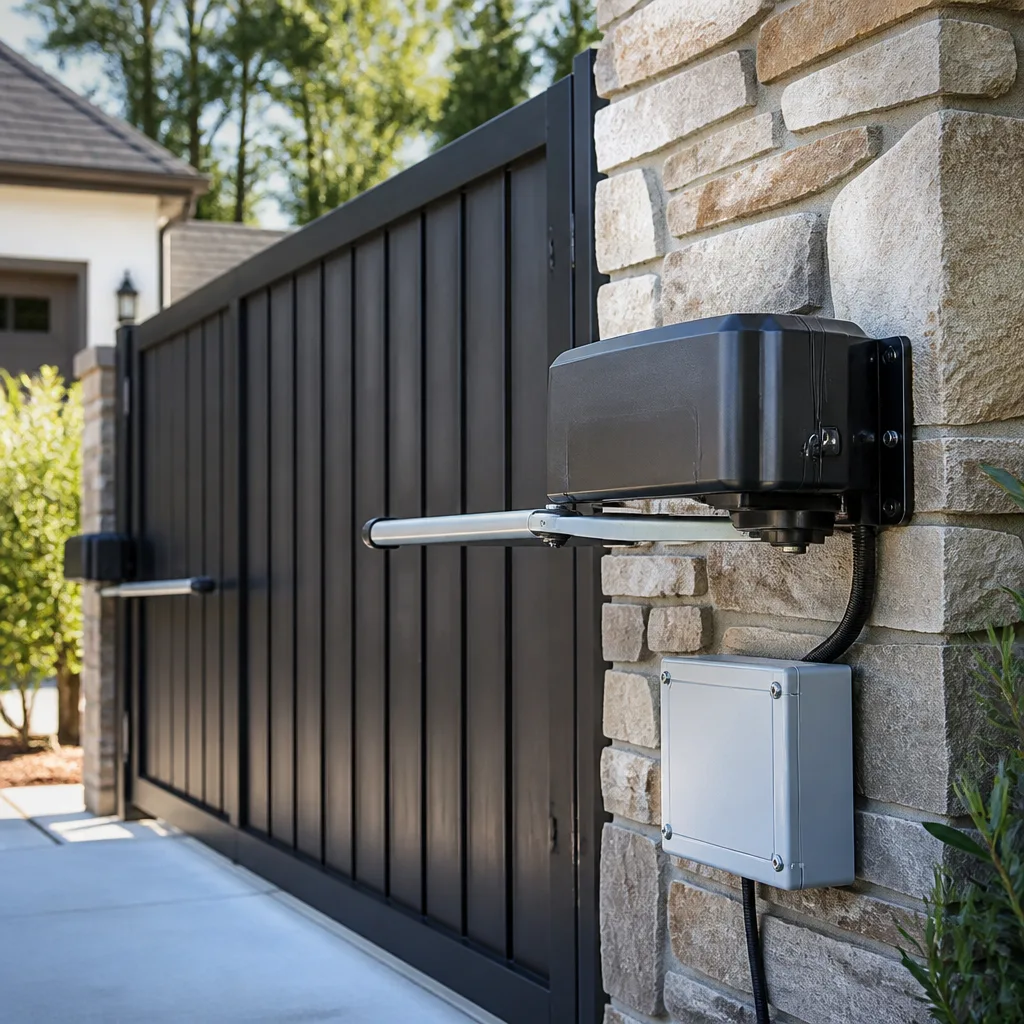
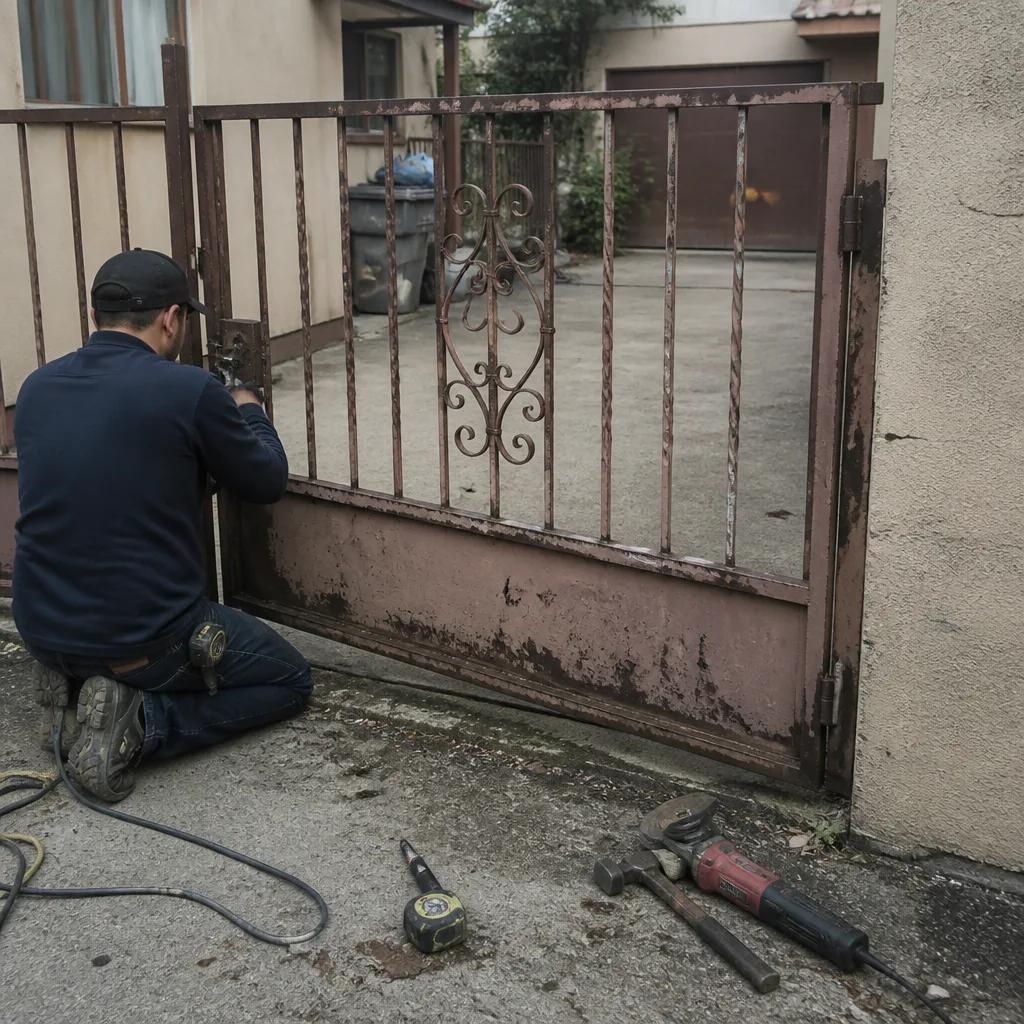 Before
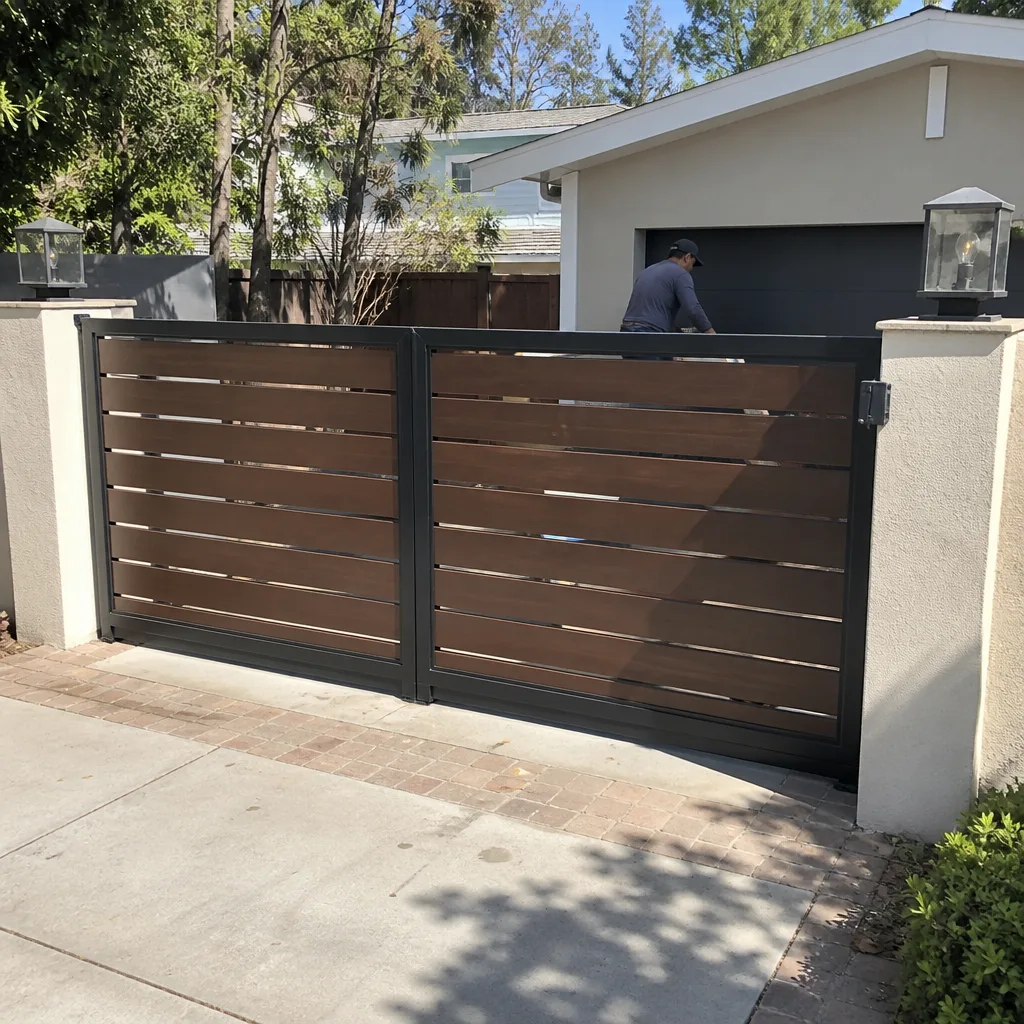 After
After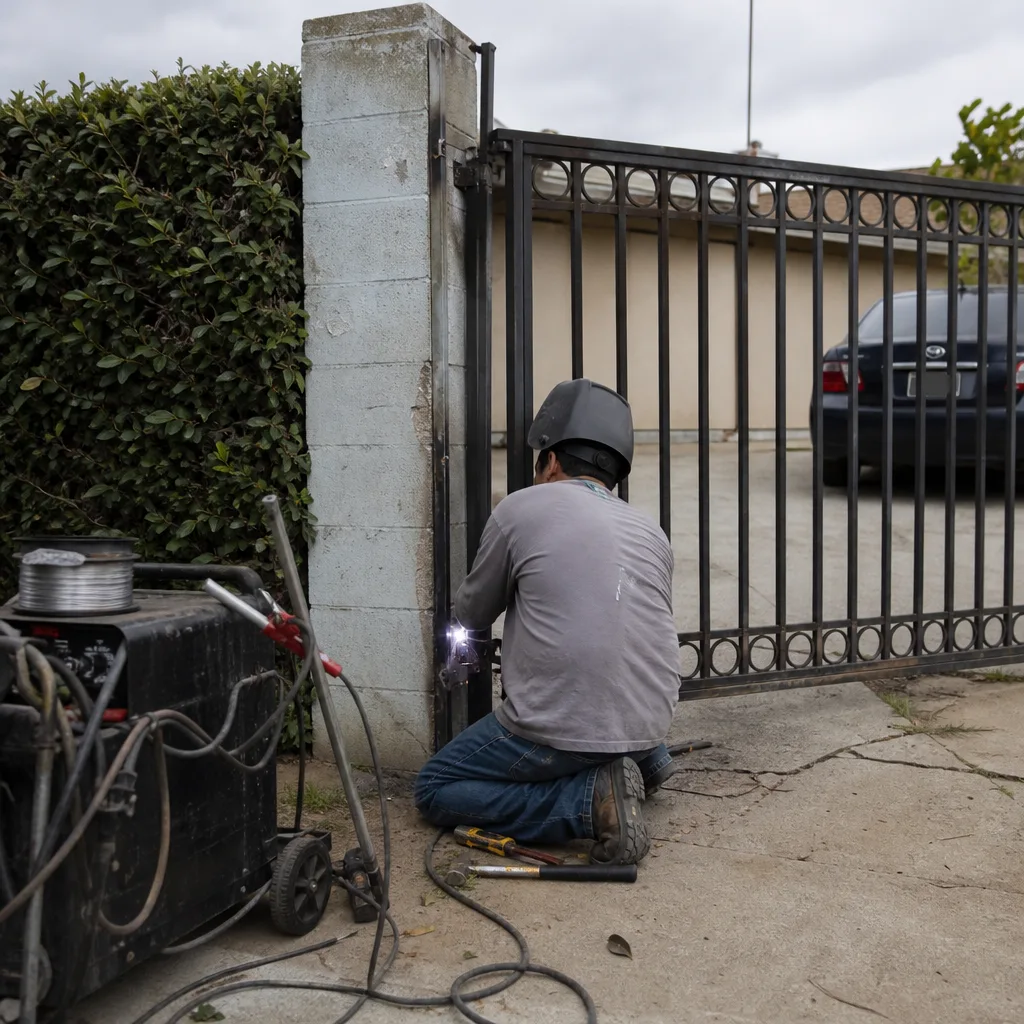 Before
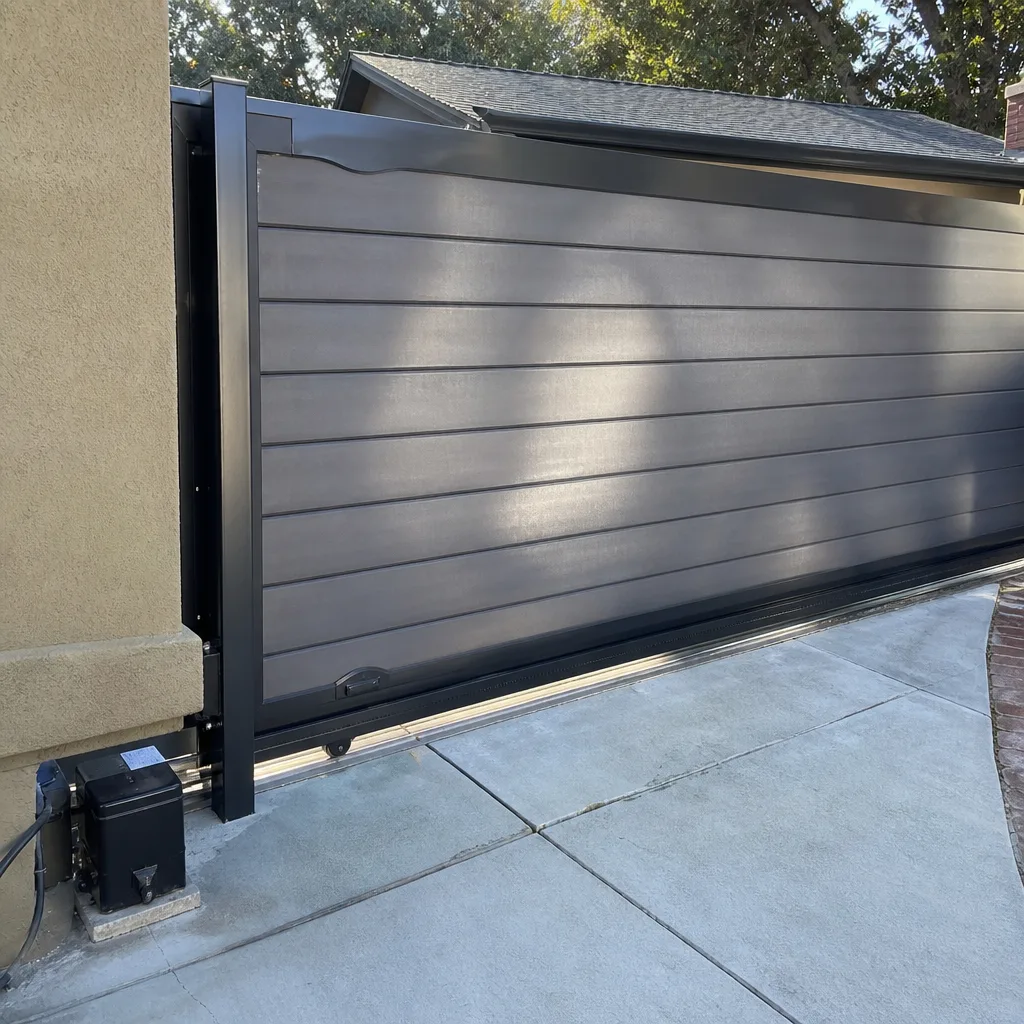 After
After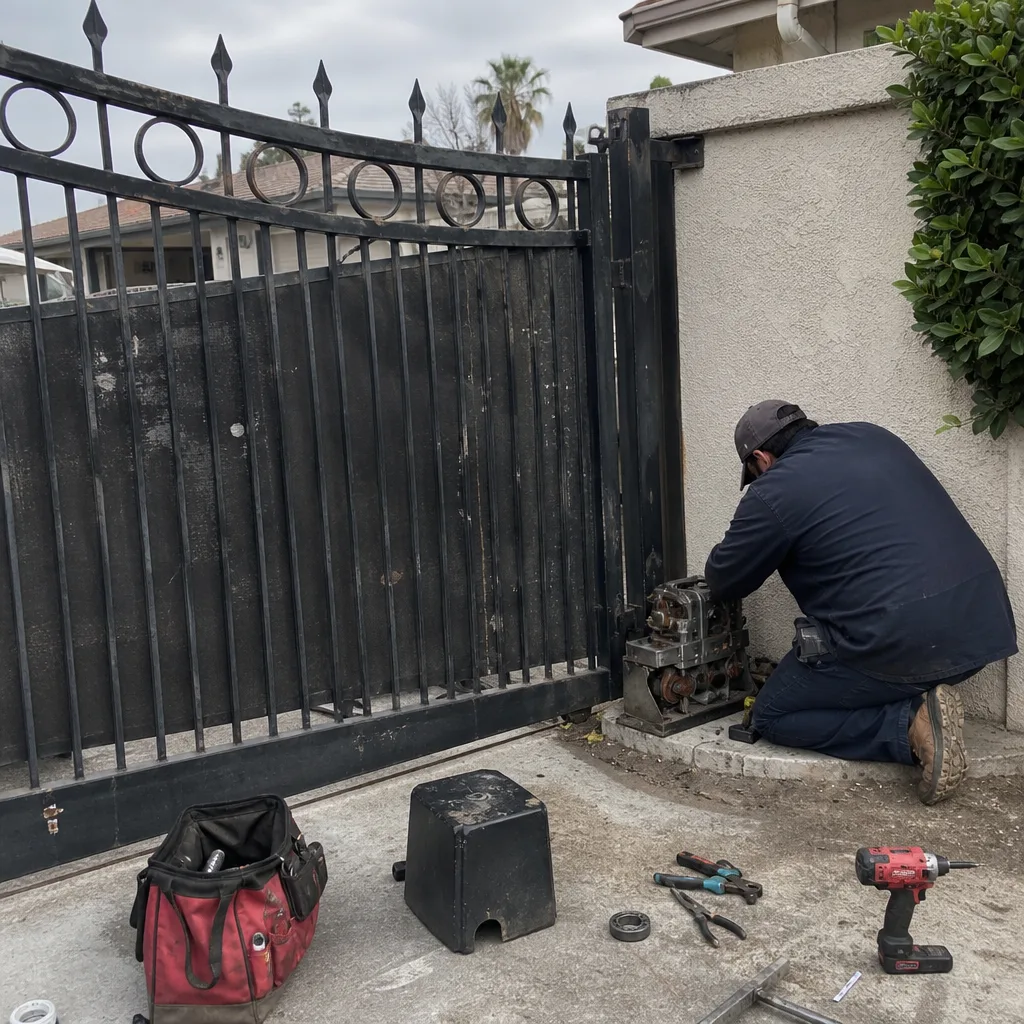 Before
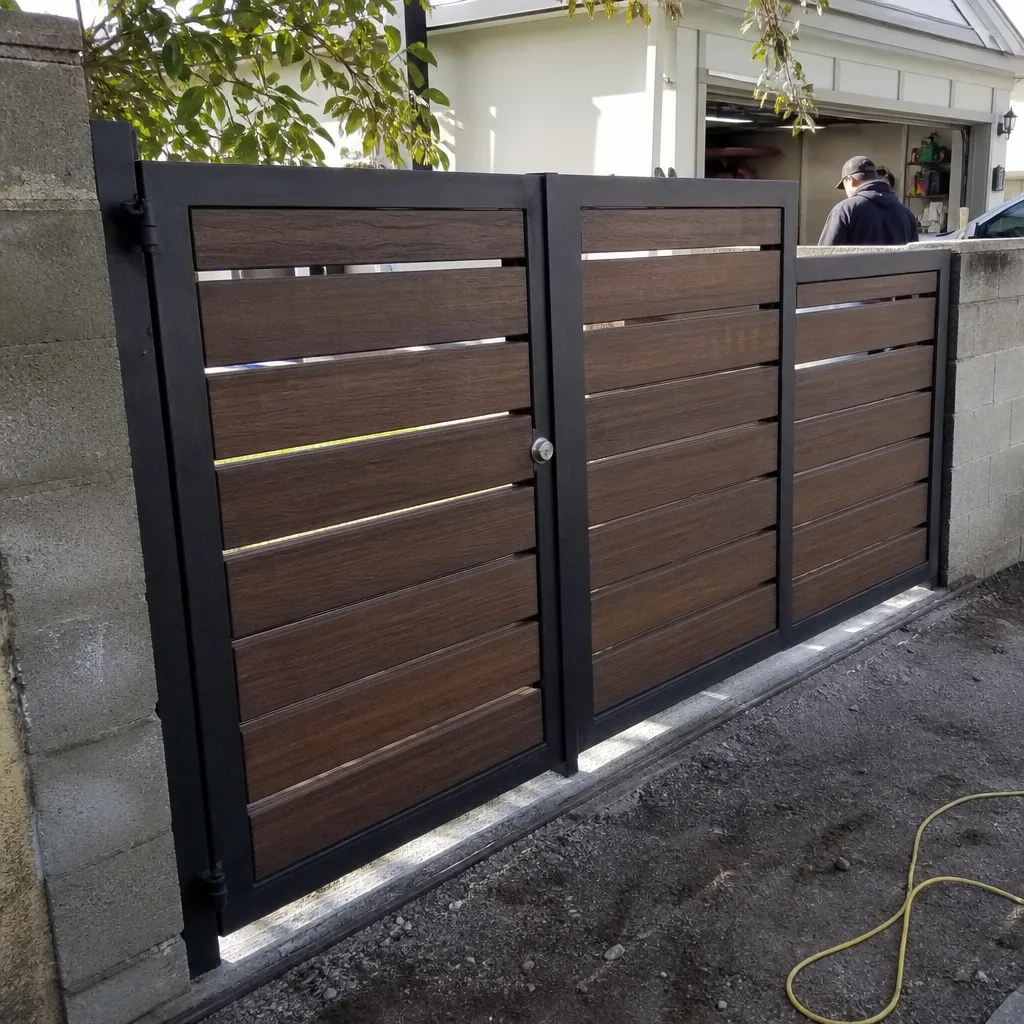 After
AfterMighty Mule Access Control Installation: The Burbank Owner’s Guide
We stock and install Mighty Mule-compatible access control components throughout Burbank, with most keypad, card reader, and intercom installations running between $380 and $890 installed, depending on the model and whether we’re replacing the outdoor station, the control board, or both. Same-day service is available in most Burbank neighborhoods when we have the part on the truck, which we usually do. The way most Burbank owners discover a failing access control unit is subtle: the keypad works intermittently, a card that worked last week suddenly won’t read, or the gate opens fine from inside the house but refuses codes from the driveway.
We’re an independent service provider, not affiliated with Mighty Mule, which means we can install their equipment without pushing you toward a full system replacement. Adrian Vance has worked on Mighty Mule access control units across Burbank since 2014, including enough houses in and around Magnolia Park to know exactly how the UV exposure and heat cycling on a south-facing driveway affects these outdoor stations. Here’s what you need to know.
Which Mighty Mule Models This Applies To
Mighty Mule’s access control line breaks down into a few families, and the part has to match the family. The FM200 and FM500 series use a wired keypad that connects directly to the control board via a four-conductor cable. The MM371 and MM372 keypads are the most common we see on Burbank residential gates, and they’re compatible with the FM200, FM350, FM500, and FM502 control boards. The RB741 and RB742 remote receivers handle the wireless side, but a keypad is still wired to the board in almost every install we touch.
Here’s the compatibility gotcha: the MM371 is a 12VDC keypad, and if someone wires it to an older RB703 board without a voltage regulator, the keypad burns out in six to nine months. We see this at least twice a month in Burbank. The label on the back of the keypad gives you the model and voltage, and the control board’s model is stamped on the circuit board itself, usually near the terminal strip. If you can’t read either, photograph it and text it to us before we come out so the right part goes on the truck the first time.
For OEM versus aftermarket: Mighty Mule’s own keypads are weather-sealed at the factory, and we’ve had better luck with OEM units on gates that face the Burbank sun all afternoon. There are aftermarket equivalents that work, but the housing quality varies, and a keypad that fogs up inside from thermal cycling will fail sooner. We stock both and we’ll tell you which one makes sense for your gate’s exposure.
Signs Your Mighty Mule Access Control Installation Is Failing
- Intermittent keypad response. Codes work sometimes, then stop for an hour, then work again. That’s usually a failing relay on the keypad board or a corroded terminal connection where the keypad wire lands on the control board. It’s not the gate motor.
- You hear a click but the gate doesn’t move. The keypad is sending the command and the relay is closing, but the output to the motor isn’t opening. We trace that with a meter in about ten minutes. It’s typically a burned trace on the control board or a loose wire at the “Open” terminal.
- Backlit keypad is dead, but the gate still opens from the remote or the button inside the house. That’s a power issue to the keypad itself, often a break in the underground wire where the driveway meets the landscaping. Burbank’s clay-heavy soil shifts more than people expect, and it flexes that wire.
- Keypad works but the range on the remote dropped. This one surprises owners because the two seem unrelated. But the antenna wire on the Mighty Mule receiver board is often run through the same conduit as the keypad wire, and damage to one affects the other.
- Codes reset themselves or default to factory. The keypad’s internal memory is powered by a small battery inside the housing. When that battery dies, the unit forgets its programming. It’s a $4 battery and a fifteen-minute reset, unless the keypad has been wet, in which case the whole board is usually compromised.
BeforeAfterReplacement Cost & What’s Included
For Burbank residential gates, here’s what we typically quote, in writing, before any work begins:
- Keypad replacement (MM371 or MM372): $380 to $520 installed, including the OEM keypad, wiring terminations at both ends, and programming.
- Control board replacement (FM200/FM350/FM500/FM502): $520 to $740 installed, including the board, full bench test of the open and close limits, and photo-eye verification.
- Both keypad and board together: $690 to $890 installed, which is the common scenario when a lightning event or a power surge took out both. Burbank gets a few of those every monsoon season.
- Card reader or intercom upgrade: $640 to $1,050 installed, depending on whether we’re adding a second reader and whether the existing wiring can support it.
Every quote includes the part, the labor, the programming, and the photo record. The written price you sign is the price you pay. No change orders unless we open something up and find a condition nobody could have seen from the outside, and even then, we stop and show you before a dollar changes. The Mighty Mule part itself carries the manufacturer’s warranty; our labor is covered by the 365-Day Done Right Promise, meaning if anything about the installation isn’t right within a year, we come back and make it right at no charge.
DIY or Call Us?
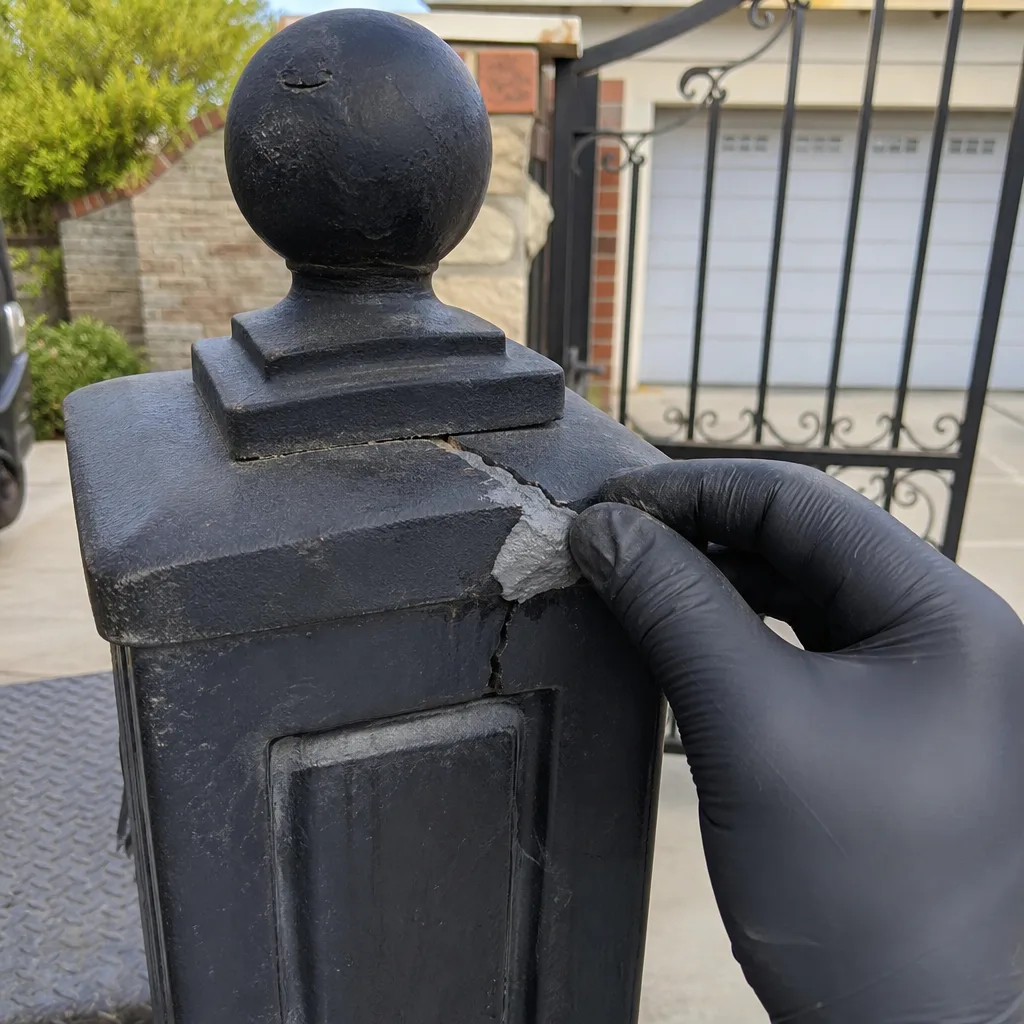
Access control work on a Mighty Mule system is low-voltage to the keypad, which makes the keypad itself reasonably safe to inspect. What’s not safe is what’s downstream: the gate and motor are still connected, and if the board gets wired wrong, the gate can move when you don’t expect it and you’ve got a moving gate and zero protection. The photo-eye also needs to be working, because a gate that runs without its safety beam is a genuinely dangerous piece of equipment.
What an owner can do safely: photograph the labels, confirm the voltage printed on the keypad, check for visible corrosion at the connection points, and make sure the gate is in manual mode before touching anything. Where DIY usually goes wrong: wiring the keypad’s 12VDC input to the board’s 24VAC accessory terminal, which fries the keypad instantly, or bypassing the photo-eye because it was misaligned and the gate wouldn’t close. We’ve repaired enough Burbank DIY attempts to know that the $120 you saved usually becomes a $500 board.
If you’re not comfortable metering voltage and you don’t have the wiring diagram, call us at (213) 577-1120. We’ll name the price before we touch anything, and you get the same written record we’d produce for any job.
FAQs
An OEM Mighty Mule keypad on a shaded Burbank gate typically lasts 5 to 7 years; on a south-facing gate with no shade, expect 3 to 4 years. The control board usually outlasts the keypad by several years unless a surge hits the property. We log replacement dates on every job, so if we’ve serviced your gate before, we can tell you exactly how old the part is. Call (213) 577-1120 and we’ll check the record.
Sometimes, yes. If the failure is a dead memory battery or a corroded terminal, we can repair it on site for under $100 in most Burbank cases. If the keypad has visible water intrusion or a burned relay, replacement is the honest call. We’ll show you the photographed evidence either way.
A straight keypad-for-keypad replacement on a Mighty Mule system takes about 45 minutes on site. A control board replacement runs 90 minutes to two hours, including the programming and the photo-eye verification. Both are usually done in one visit.
We stock the MM371, MM372, and the FM200/FM350/FM500/FM502 boards on our Burbank trucks, along with replacement photo-eyes and remotes for LiftMaster, Ghost Controls, and DoorKing systems. If we don’t have your specific board, we’ll have it by the next morning and put the install on the books before we leave.
Written by Adrian Vance, Owner, Vance Gate Repair Burbank at Vance Gate Repair Burbank, serving Burbank and nearby areas.